Instructions that wait where the work happens.
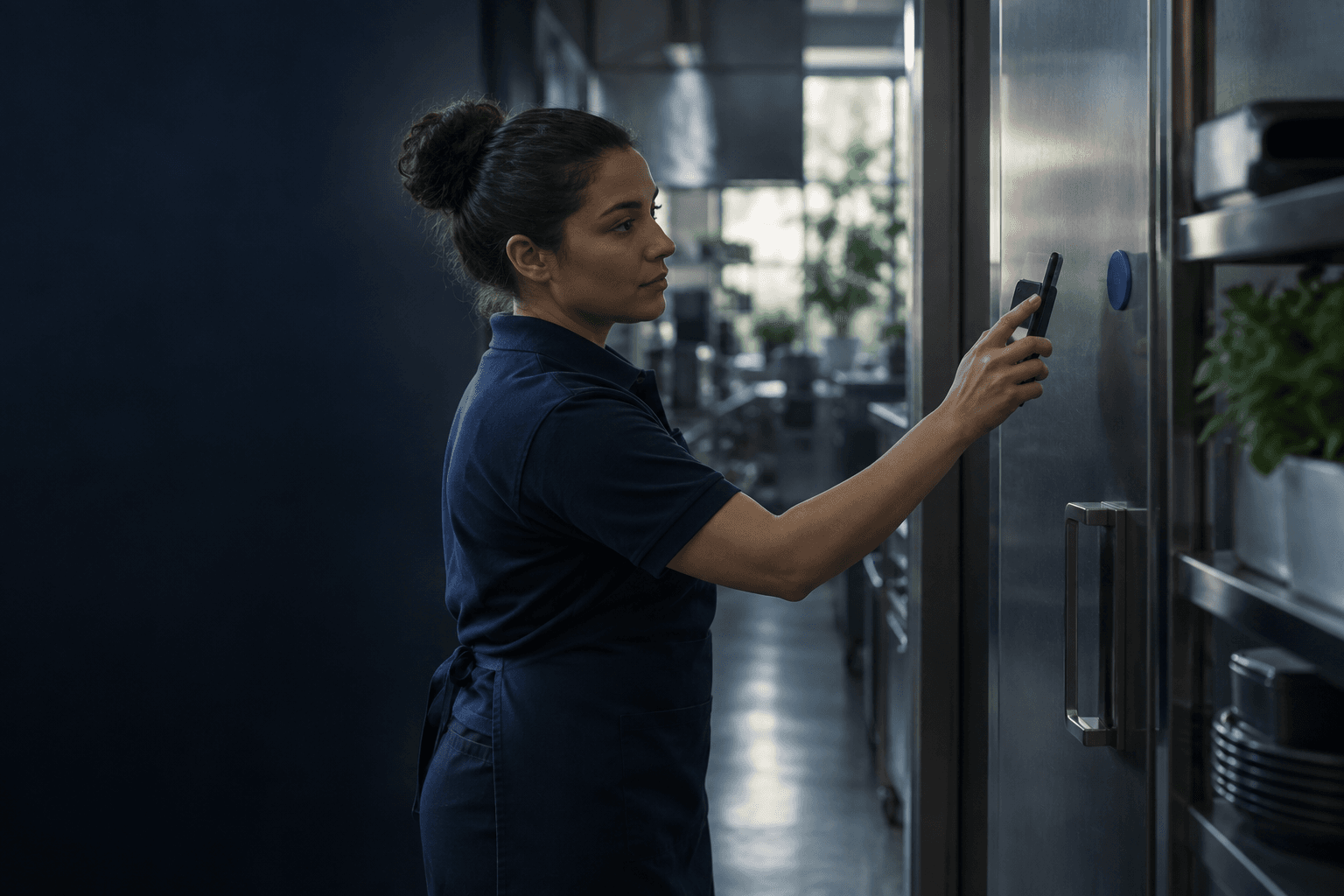
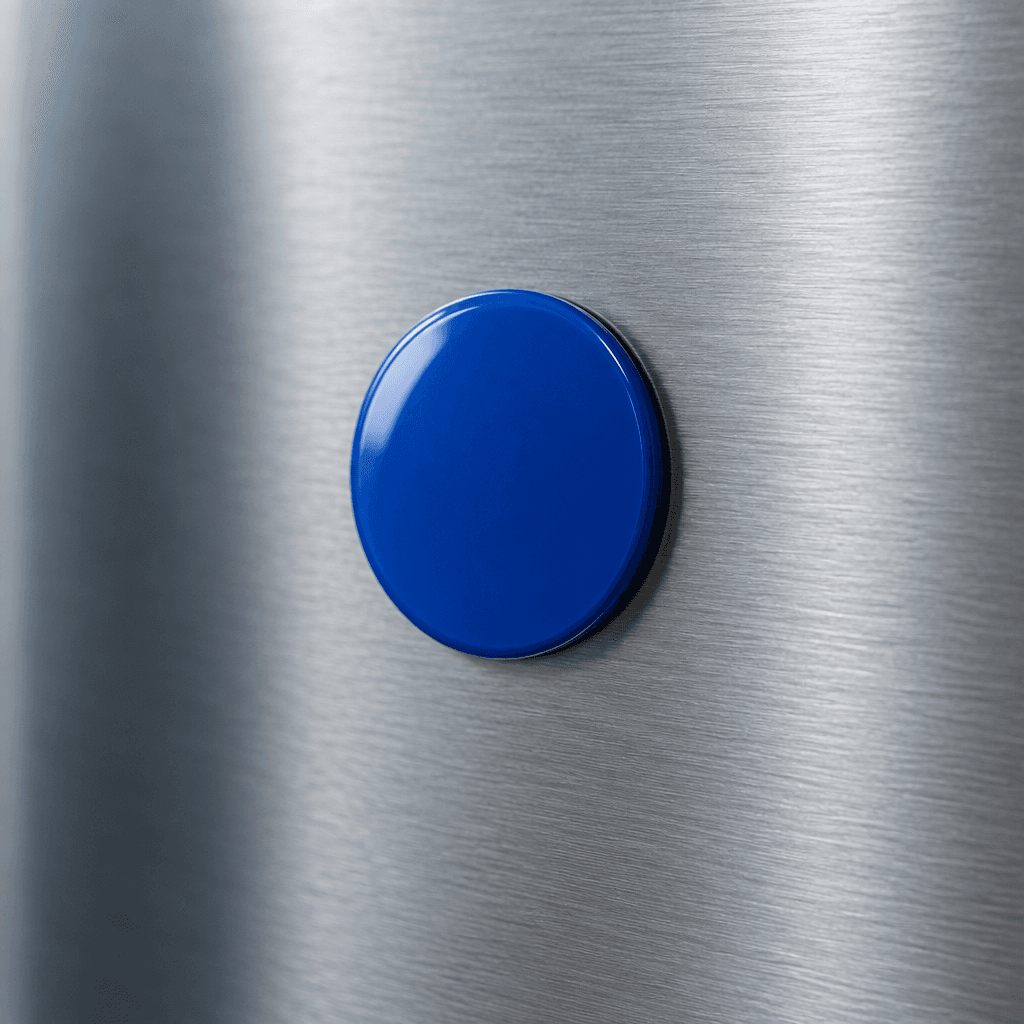
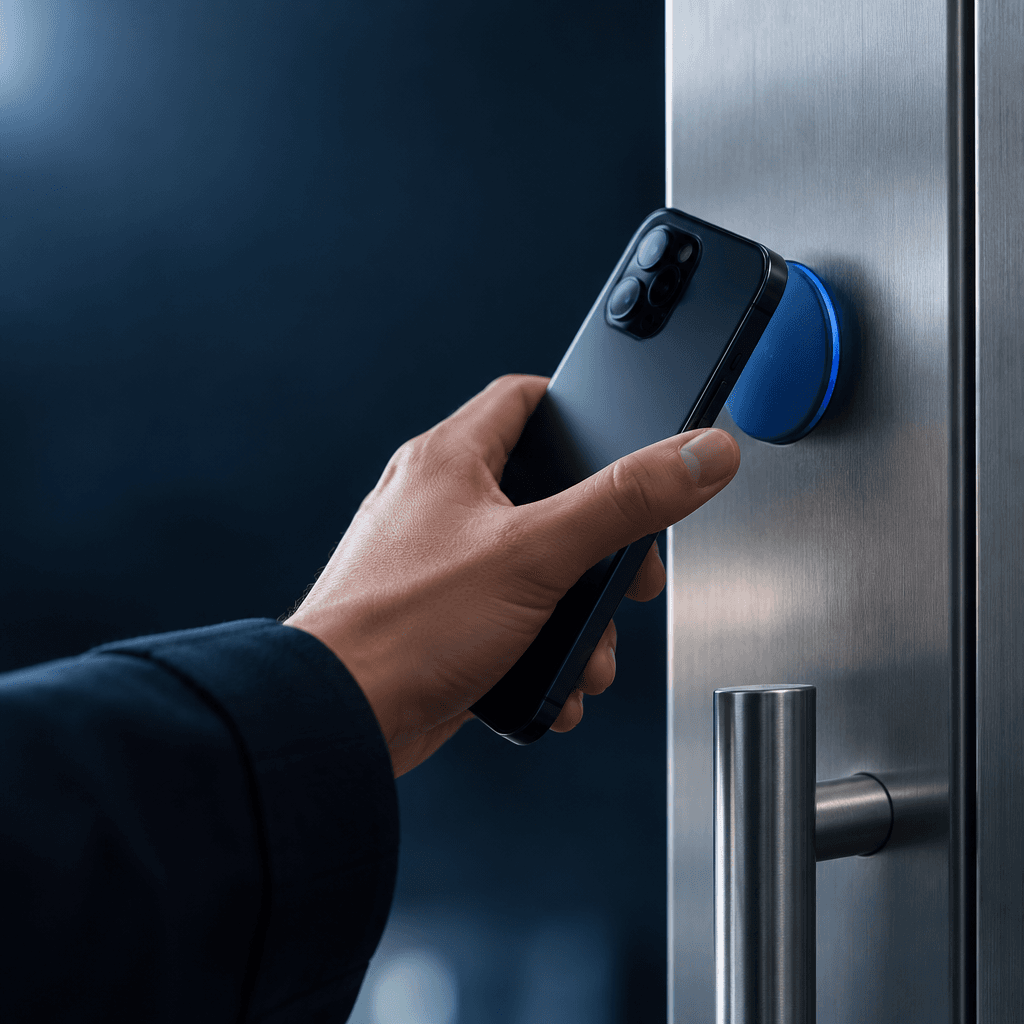
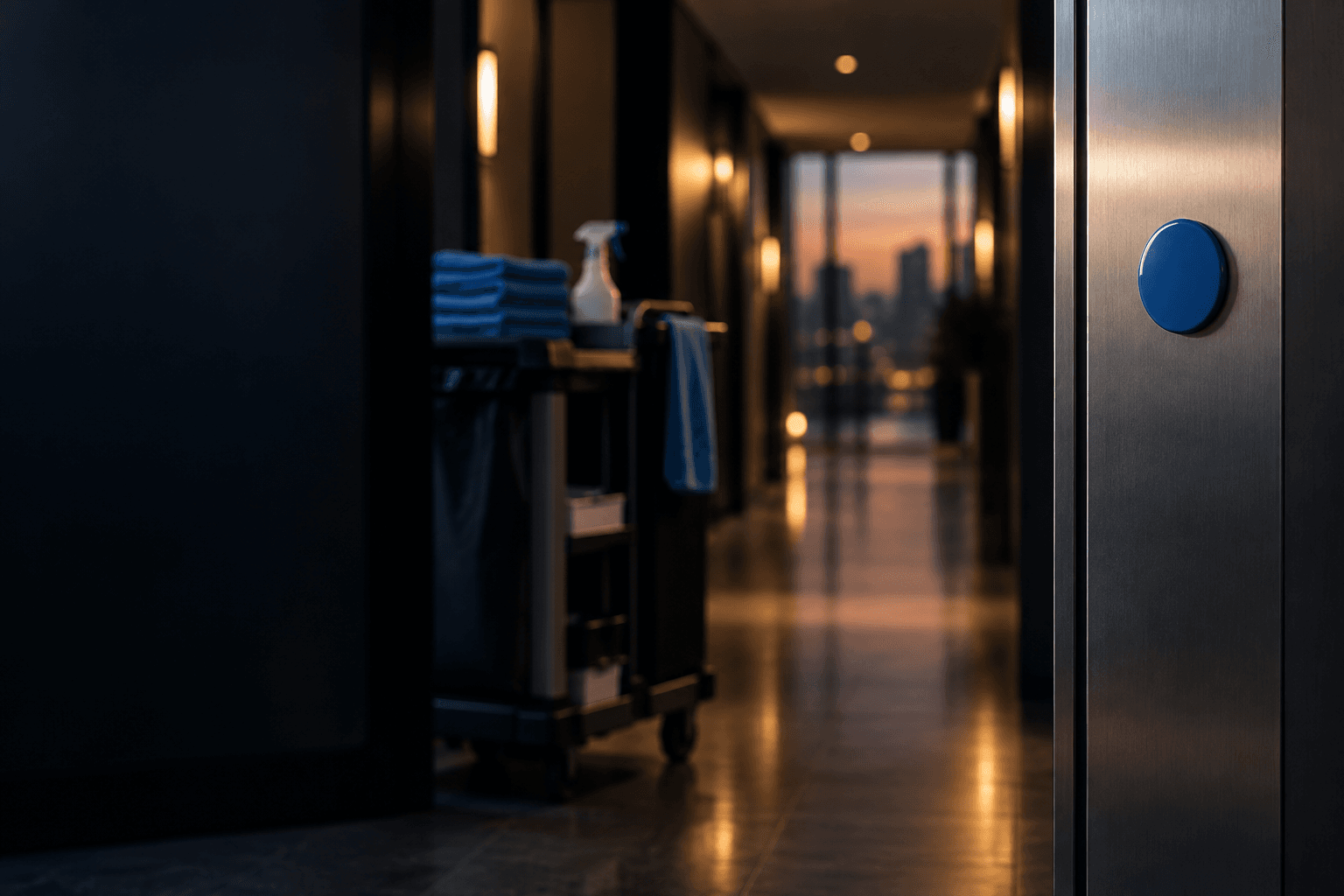
TapFlow puts simple NFC tags at each task. One tap opens the right steps on a phone and records that the job was done.
 Today's locations
- Entrance & lobbyDone today
- Freezer organizationNeeds guidance
- BathroomNot scanned today
- Kitchen surfacesDone today
- Supply roomDone today
Recent activity
- Supply room08:31
- Kitchen surfaces08:15
- Entrance & lobby07:42
Start with one workflow
Tell us the task you explain most often. We set up the tags and steps with you, without a big software rollout.
Opens in any phone browser
Staff tap a tag to see the right instructions, checklist, or form for that exact spot. Nothing to install.
A clear record of the work
Each scan is logged with place and time, so owners can see what was done and where, without paper logs.
Illustrative sampleOpen the freezer workflow, pick the right layout, and watch the owner view update.
Tagged locations
Sample owner view- Entrance & lobbyDaily checklistDone today
- BathroomCleaning checklistNot scanned today
- Kitchen surfacesClosing checklistDone today
- Supply roomRestock formDone today
Recent activity
- Supply roomRestock form submitted · 08:31
- Kitchen surfacesChecklist completed · 08:15
- Entrance & lobbyChecklist completed · 07:42
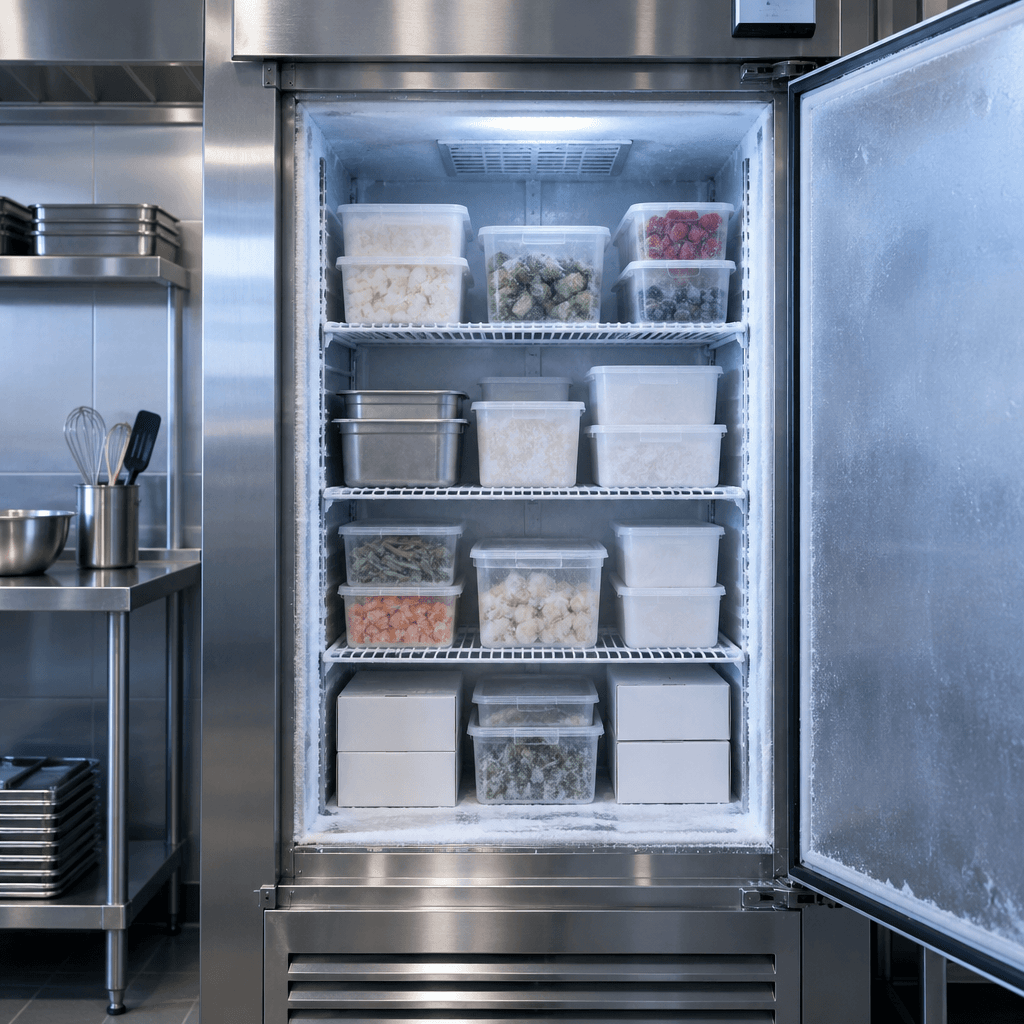
Tag 02 · Kitchen
Freezer organization
A trainee scans the tag on the freezer door to open today's storage guide.
Pick one routine. We'll tag it for you.
Start small with the task your team asks about most.
Walk through the sample